Quality selection
If your channel has several stream qualities, choose the one you want to use.


Add your IPTV playlist and browse with the Siri Remote. See what’s on, pick a channel, and watch on your television.
Not publicly released yet.
Move through your channels and see what each one is showing. Select a channel when you are ready to watch.
Bring a playlist you have permission to use. EPTV does not include channels or IPTV subscriptions.
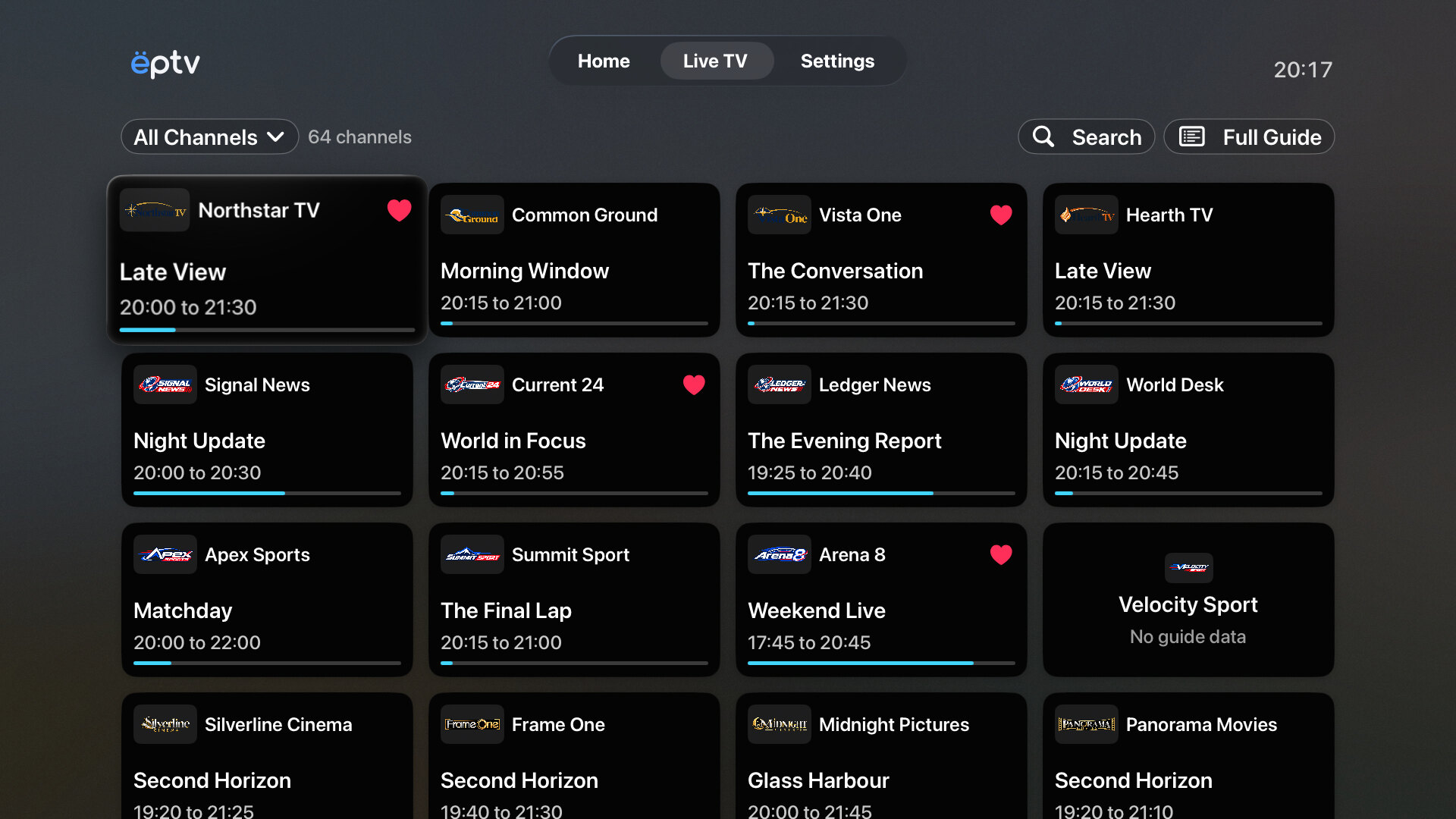
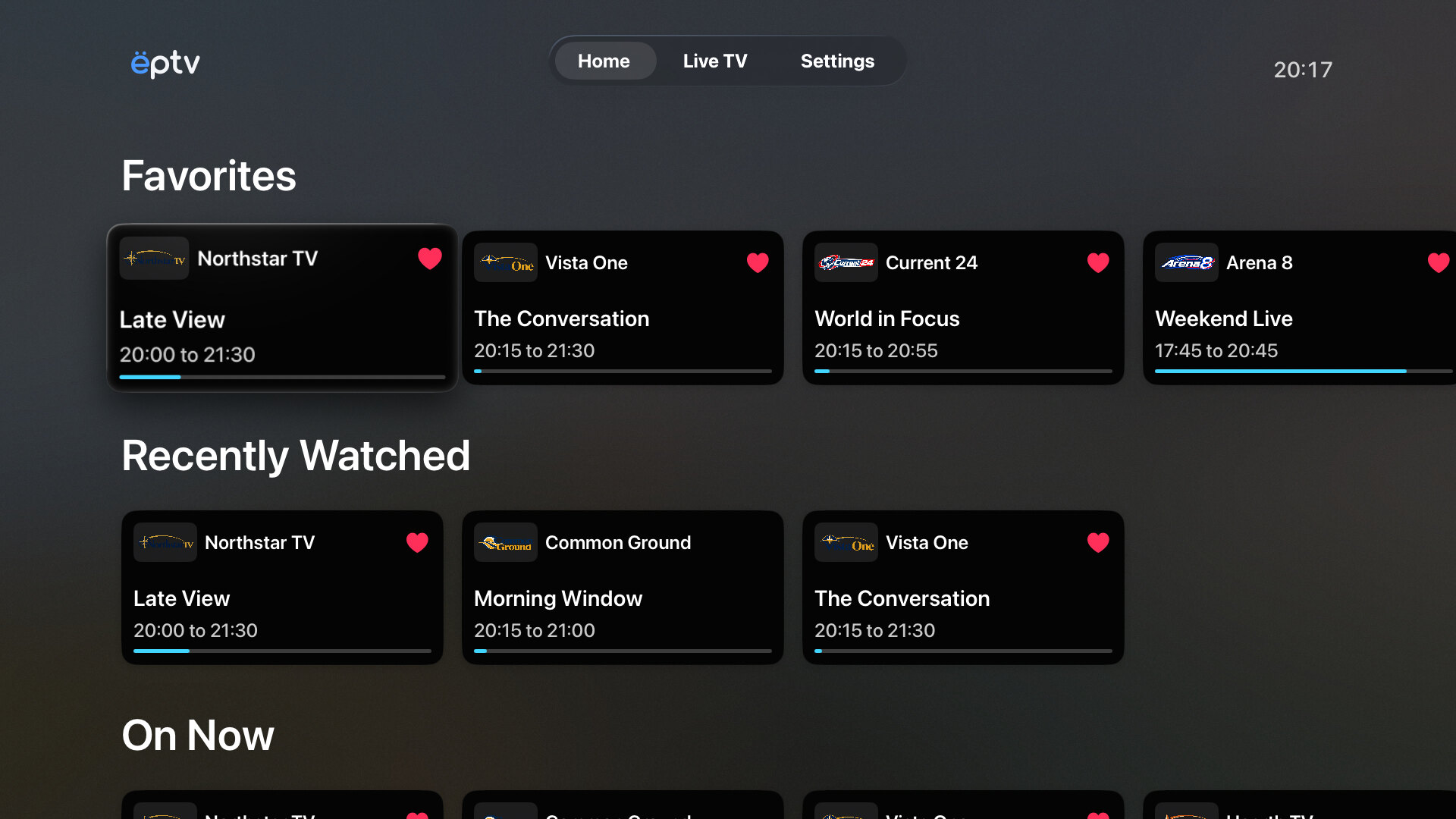
Open Home to find Favorites and Recently Watched. See what is on now or starting soon. Open Live TV when you want to browse the full channel list.
Use the remote to browse and select a channel. Once you start watching, you can switch channels from the player.
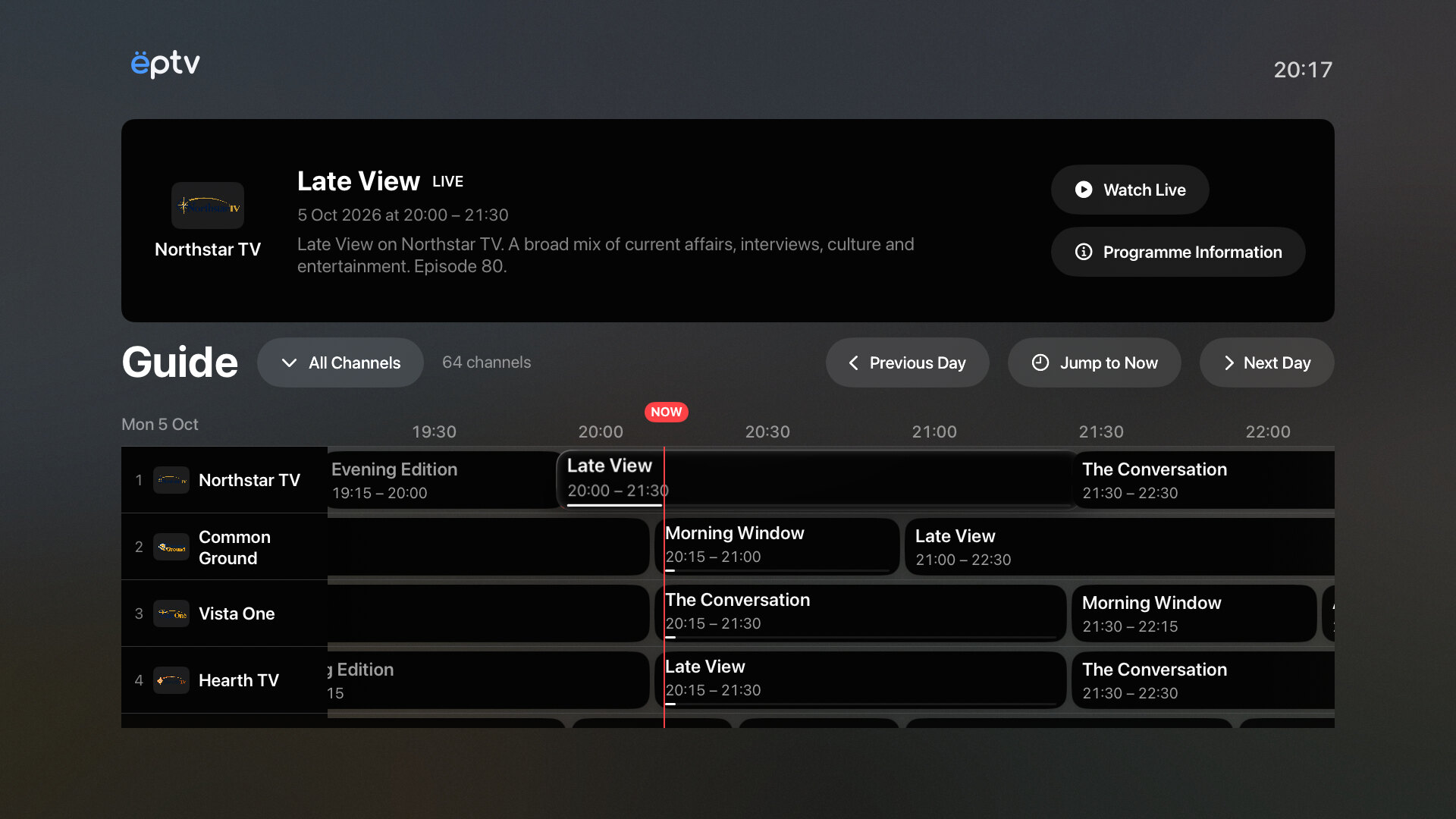
Open the Guide from Live TV and compare the schedule across your channels. Or use Search to find a channel or programme by name.
The Guide also shows upcoming programmes. To watch an earlier one, your provider needs to support Replay.
The video fills the screen. Bring up the controls to change channels, see programme information, or adjust playback.
If your channel has several stream qualities, choose the one you want to use.
Open Options to choose an audio track or subtitles, when the stream includes them.
Browse other channels with the remote while the current one keeps playing. Select another channel to switch.
Watch the current programme from the beginning, or open an earlier one from your provider’s archive, when available.
Your provider decides which channels and programmes support these options. The progress bar alone does not mean you can rewind. EPTV does not record the broadcast.
An unavailable option cannot be selected. If playback fails, check the error message and try again.
Read the playback FAQThe Apple TV app is not publicly available yet. We do not have a public release date.